

Why Your Choice of Photo Editing App Matters

Millions of Android users edit photos every single day — for Instagram, YouTube thumbnails, business flyers, or personal memories. The right app can save you hours and make your content look truly professional. The wrong one wastes your time with paywalls, watermarks, and confusing tools.best free photo editing apps for android 2026
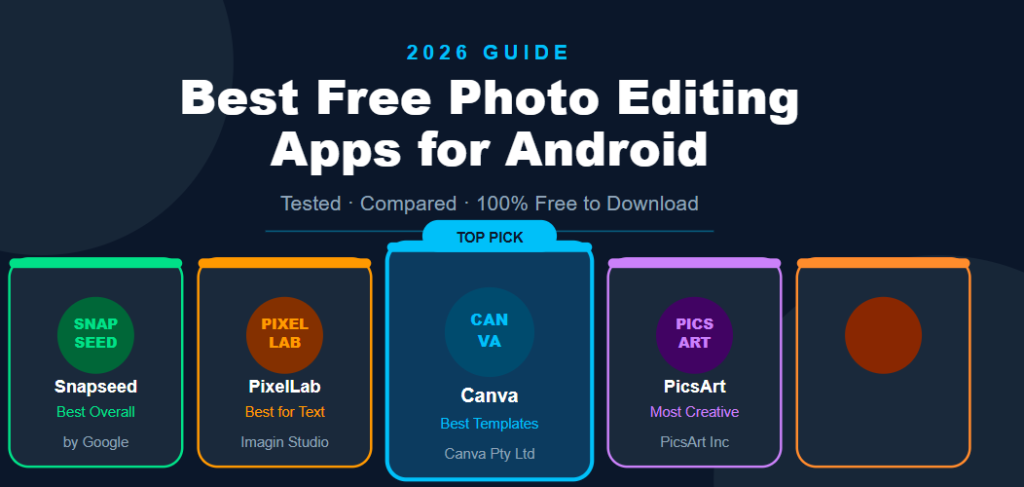
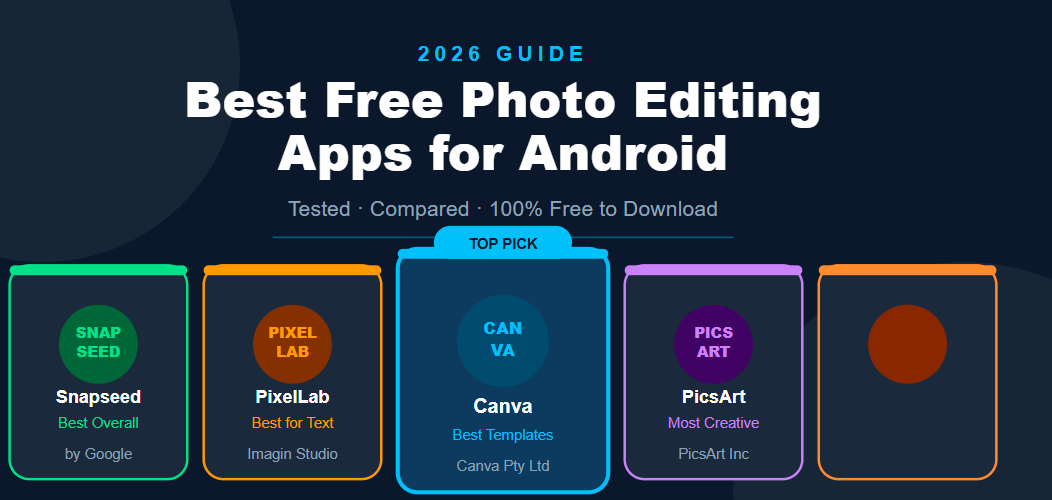
In this article, we tested and compared the top free photo editing apps available on Android in 2026. No paid apps. No mod APKs. Just honest reviews of apps you can download right now from the Google Play Store.
Quick Comparison Table
| App | Best For | Free Features | Watermark | Ads |
|---|---|---|---|---|
| Snapseed | Photo correction | Full editing suite | No | No |
| PixelLab | Text & graphic design | Text, stickers, 3D | No | Yes (removable) |
| Canva | Social media graphics | 1000+ templates | No | No |
| PicsArt | Creative editing | Filters, collage | Sometimes | Yes |
| Adobe Lightroom | Professional color | RAW editing, presets | No | No |
1. Snapseed — Best Overall Free Photo Editor
Developer: Google
Rating: 4.4/5 on Google Play
Download: Free, no in-app purchases
Snapseed is developed by Google and is arguably the most complete free photo editor available on Android. It gives you full professional-level editing without charging a single rupee.
What You Can Do for Free
- Adjust brightness, contrast, saturation, and shadows
- Use the healing tool to remove unwanted objects
- Apply selective adjustments to specific parts of a photo
- Use portrait tools for skin smoothing and face reshaping
- Add text, frames, and double exposure effects
Pros
- Completely free with no hidden paywalls
- No watermark on exported images
- Works offline — no internet needed
- Non-destructive editing (original photo stays safe)
Cons
- No templates for social media posts
- Not ideal for graphic design or text-heavy content
Who Should Use It
Anyone who wants to improve the quality of their photos — better colors, better lighting, cleaner look. Perfect for photographers, travel bloggers, and everyday users.
2. PixelLab — Best Free App for Text and Graphic Design
Developer: Imagin Studio
Rating: 4.3/5 on Google Play
Download: Free with optional in-app purchases
PixelLab is the go-to app for adding text, stickers, and design elements to your photos. It is extremely popular among YouTube thumbnail creators, social media managers, and small business owners in Pakistan and across South Asia.
What You Can Do for Free
- Add custom text with hundreds of font options
- Create stunning 3D text effects
- Add stickers, shapes, and design elements
- Remove backgrounds from photos
- Export images without a watermark
Pros
- Very beginner-friendly
- Massive font library available for free
- 3D text feature is unique and impressive
- Lightweight app — works well on low-end phones
Cons
- Free version includes ads
- Some premium fonts require payment
- Not ideal for complex photo color correction
Who Should Use It
Content creators, YouTubers, social media designers, and anyone who needs to add text or graphics to images quickly on their phone.
3. Canva — Best Free App for Social Media Graphics
Developer: Canva
Rating: 4.5/5 on Google Play
Download: Free with Canva Pro upgrade option
Canva is one of the most popular design tools in the world, and its Android app brings almost all of that power to your mobile phone. The free version is genuinely impressive.
What You Can Do for Free
- Access over 1 million free templates
- Create posts for Instagram, Facebook, YouTube, TikTok, and more
- Use thousands of free photos, icons, and elements
- Collaborate with team members on designs
- Download designs without a watermark
Pros
- Easiest app to use for beginners
- Templates make design incredibly fast
- No watermark on free downloads
- Regular updates with new templates and features
Cons
- Many premium templates require Canva Pro
- Requires an internet connection to use
- Less suitable for detailed photo correction
Who Should Use It
Bloggers, small business owners, freelancers, and social media managers who need to create professional-looking graphics quickly without any design experience.
4. PicsArt — Best Free App for Creative and Fun Editing
Developer: PicsArt
Rating: 4.2/5 on Google Play
Download: Free with Gold subscription option
PicsArt has been around for years and remains one of the most feature-rich free editing apps on Android. It combines photo editing, collage making, drawing tools, and a creative community all in one place.
What You Can Do for Free
- Apply hundreds of filters and effects
- Create photo collages and grids
- Use the AI background remover
- Draw directly on photos with brush tools
- Access thousands of free stickers
Pros
- Huge collection of creative tools
- Strong community with shared templates
- Regular new content added weekly
- Good for both beginners and advanced users
Cons
- The free version shows ads frequently
- Some exports include a watermark in the free version
- App size is large — uses significant storage
Who Should Use It
Creative users, teenagers, lifestyle bloggers, and anyone who wants to experiment with artistic effects and fun edits.
5. Adobe Lightroom Mobile — Best Free App for Professional Color Editing
Developer: Adobe
Rating: 4.3/5 on Google Play
Download: Free with Adobe Premium option
Adobe Lightroom is the industry standard for professional photo color grading, and the mobile version brings a surprising amount of that power to Android for free.
What You Can Do for Free
- Edit RAW photos from DSLR and mirrorless cameras
- Use powerful color curves and tone adjustments
- Apply and create custom presets
- Use AI-powered masking and object selection
- Sync edits across devices
Pros
- Best color editing tools of any free app
- No watermark on exported photos
- Works with RAW files — not just JPEGs
- Clean, professional interface
Cons
- Advanced AI features require Adobe Premium
- Steeper learning curve for beginners
- Requires an Adobe account to use
Who Should Use It
Photographers, travel bloggers, and serious content creators who want the most professional color results from their mobile phone.
How We Compared These Apps
We evaluated each app based on five criteria:
- Quality of free features — how much can you actually do without paying?
- Ease of use — can a beginner figure it out in minutes?
- Watermark policy — does the free version add a watermark?
- Performance — does it run smoothly on mid-range Android phones?
- Export quality — how good does the final image look?
Which App Should You Choose?
The right app depends on what you need:
- Just want better photos? → Use Snapseed
- Need to add text and create thumbnails? → Use PixelLab
- Creating social media content? → Use Canva
- Want creative and artistic effects? → Use PicsArt
- Serious about color and photography? → Use Adobe Lightroom
Most experienced creators actually use two or three of these apps together. For example, edit the photo in Snapseed first, then add text in PixelLab, then use Canva to fit it to the right size for Instagram.
Frequently Asked Questions
Which photo editing app is completely free with no watermark? Snapseed, Canva, PixelLab, and Adobe Lightroom Mobile all export images without a watermark in their free versions. PicsArt sometimes adds a watermark depending on the feature used.
Which app is best for YouTube thumbnails on Android? PixelLab and Canva are the best choices for YouTube thumbnails. PixelLab gives you more control over text and 3D effects, while Canva offers ready-made thumbnail templates.
Do these apps work without internet? Snapseed and PixelLab work fully offline. Canva and Adobe Lightroom require an internet connection for most features. PicsArt works partially offline.
Are these apps safe to download? Yes — all five apps listed here are available on the official Google Play Store, developed by verified companies, and completely safe to install on your Android device.
Which is the lightest app for low-end Android phones? PixelLab is the lightest and fastest among these five apps, making it the best choice for phones with limited RAM or storage.
Final Verdict
All five apps on this list are genuinely excellent and completely free to get started. You do not need to pay for subscriptions or download modified APKs to get professional results on your Android phone.
Start with Snapseed for photo quality and PixelLab for design and text. Add Canva once you start creating content regularly. Together, these three apps cover almost everything a content creator, blogger, or small business owner needs.
Quick Answer: The best free photo editing apps for Android in 2026 are Snapseed, PixelLab, Canva, PicsArt, and Adobe Lightroom Mobile. All five are completely free to download and offer powerful editing tools without requiring a paid subscription for basic use.