


🎯 Introduction
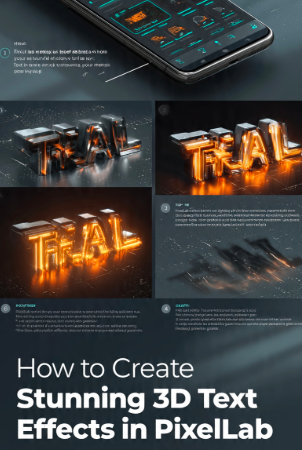
Typography plays a major role in modern graphic design, and 3D text effects are one of the most effective ways to make your designs stand out. Whether you’re creating a YouTube thumbnail, gaming logo, social media banner, business advertisement, event poster, or promotional graphic, bold three-dimensional text immediately captures attention and gives your design a more professional appearance.How to Create Stunning 3D Text Effects in PixelLab
Many designers believe they need advanced desktop software such as Adobe Photoshop or Illustrator to create realistic 3D typography. However, PixelLab offers powerful text customization tools that make it possible to design impressive 3D text directly on an Android device. With features like custom fonts, gradients, shadows, perspective controls, layers, outlines, and color adjustments, PixelLab provides everything you need to produce visually striking typography.
In this step-by-step guide, you’ll learn how to create stunning 3D text effects in PixelLab using practical design techniques that are easy to follow. You’ll discover how to choose the right font, apply realistic shadows, create depth, enhance lighting, and export your design in high resolution. Whether you’re a beginner or an experienced designer, this tutorial will help you produce professional-quality text effects suitable for both digital and print projects.
Table of Contents
⭐ Why 3D Text Effects Matter
Three-dimensional text is more than just a visual trend. It helps important words stand out, improves readability, and creates a stronger emotional impact. When used correctly, 3D typography can make a simple design look polished, modern, and memorable.
👀 Captures Attention Instantly
Bold 3D text naturally draws the eye because it adds depth and contrast to your design. This makes it ideal for thumbnails, advertisements, logos, and promotional graphics where grabbing attention quickly is essential.
🎨 Adds a Professional Look
Flat text can sometimes appear plain, especially in marketing materials. Adding depth through shadows, gradients, and perspective gives your typography a premium appearance without making the design feel cluttered.
📱 Improves Social Media Performance
Eye-catching typography often performs better on platforms such as Facebook, Instagram, YouTube, Pinterest, and X because it remains readable even on smaller mobile screens. Strong text effects can increase engagement by making your content easier to notice while users scroll through their feeds.
🏷️ Strengthens Brand Identity
Consistent typography helps build recognition for your brand. Using a signature style for your 3D text across logos, banners, and promotional materials creates a cohesive visual identity that audiences can remember.
📱3D Text for Design PixelLab ?
PixelLab is one of the most versatile mobile graphic design applications for creating typography. It combines advanced text-editing tools with an intuitive interface, allowing beginners and professionals alike to produce impressive designs without expensive software.
✍️ Advanced Typography Controls
PixelLab offers extensive font customization options, including font selection, letter spacing, line spacing, outlines, shadows, reflections, gradients, and perspective effects. These controls allow you to transform simple text into dynamic, three-dimensional artwork.
🎨 Layer-Based Editing
Every design element can be placed on a separate layer, making it easy to edit text independently from the background, icons, or decorative graphics. Layer management provides greater flexibility and supports more complex compositions.
🌈 Creative Effects
The app includes built-in tools for gradients, shadows, strokes, transparency, blur, glow, and color adjustments. Combining these features strategically helps create realistic depth and lighting effects that enhance the appearance of your text.
📱 Mobile-Friendly Workflow
Unlike desktop applications, PixelLab lets you create professional text effects directly from your smartphone. This makes it a convenient choice for content creators, freelancers, marketers, and students who want to design on the go.
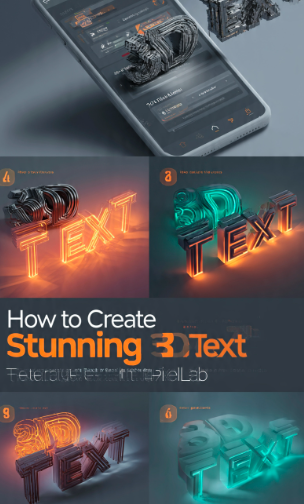
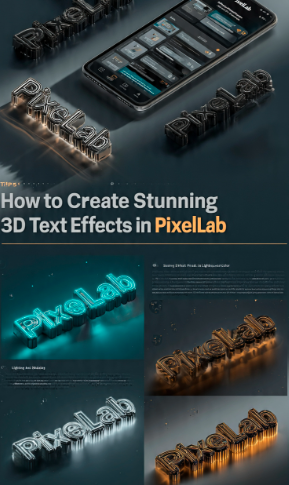
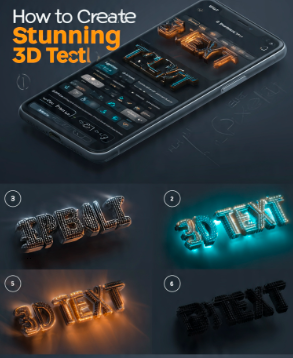
🛠️ Tools You’ll Need
Before starting your design, prepare the following resources to make the process smoother:
- 🖋️ A bold, high-quality font that matches your project’s style.
- 🖼️ A high-resolution background or a solid color canvas.
- 🎨 A color palette that provides strong contrast and complements your design.
- 💡 An idea of the lighting direction so your shadows and highlights look natural.
- 📱 The latest version of PixelLab for access to its current editing features.