


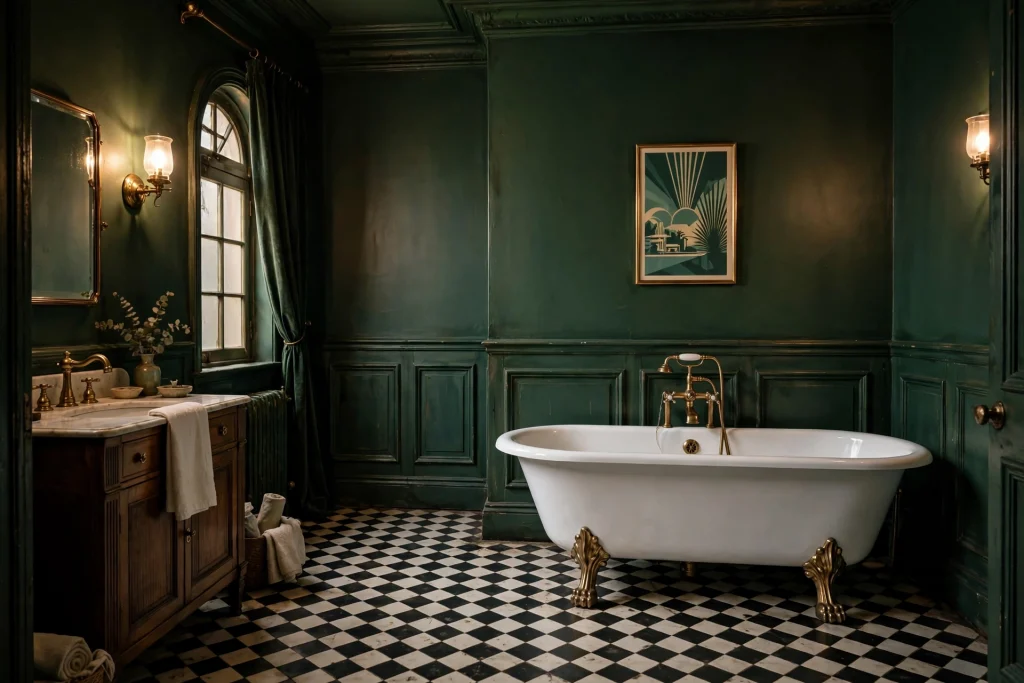
Why retro bathroom art is everywhere right now

Name
How to Design Moody Vintage Bathroom Wall Art in PixelLab (Retro 1920s Style)
Date
Catagory
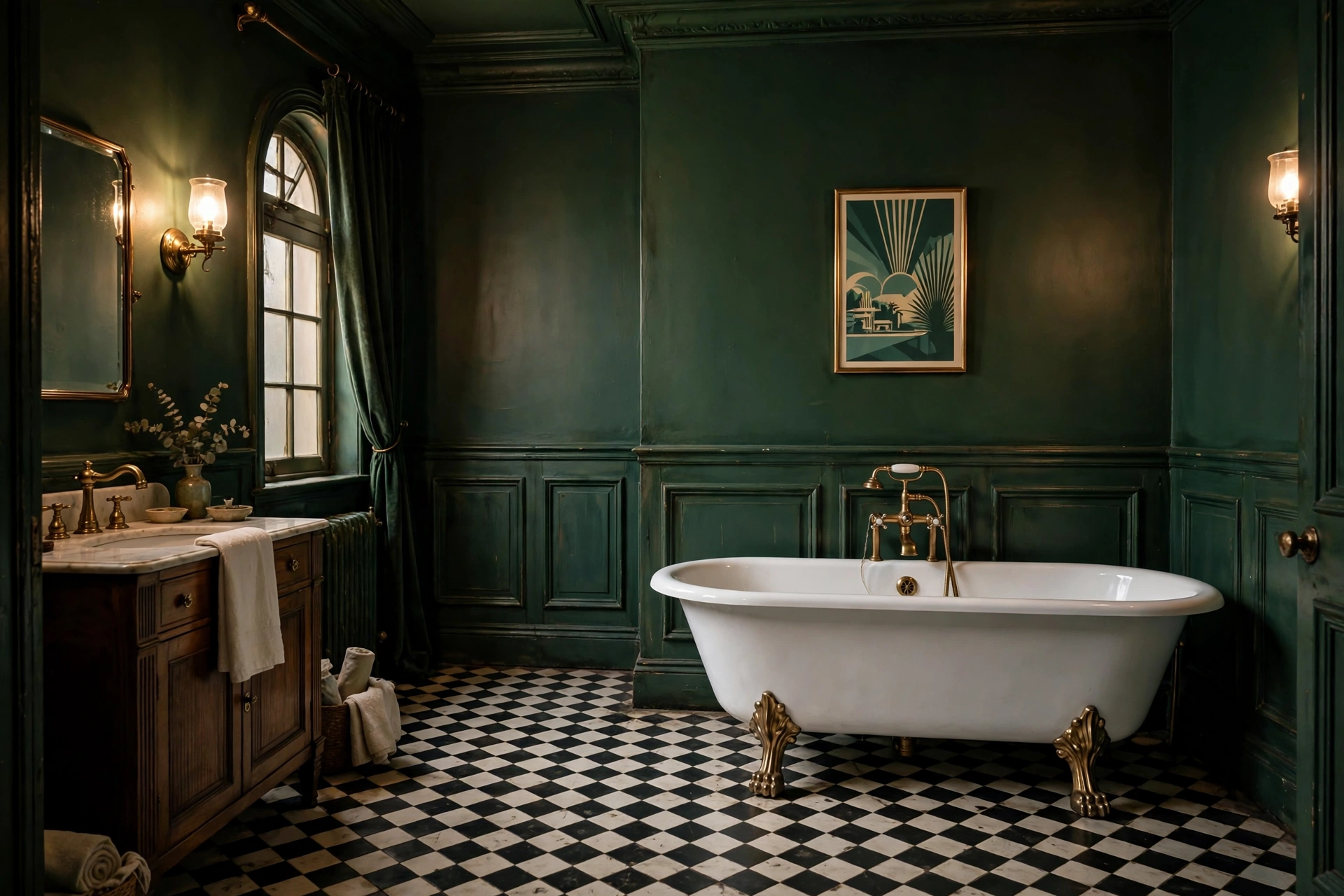
Retro bathrooms are having a real revival in 2026. Pinterest is full of it: moody vintage bathrooms with deep green walls, checkerboard floors, clawfoot tubs and brass fixtures — and the 1920s bathroom original look, with penny tile, black-and-white patterns and Art Deco details, is one of the most searched styles of the year.
The good news: you don’t need expensive prints to get the look. A moody vintage bathroom poster — a framed quote, a geometric pattern, a 1920s-style botanical print — can be designed in PixelLab on your phone in minutes, printed at home or at a print shop, and hung in the bathroom. This tutorial shows you how.
What “moody vintage” actually means
Before you design anything, lock the style. Moody vintage bathroom design has three ingredients:
- Deep, dark colors — forest green, oxblood, navy, charcoal. Not bright, not pastel.
- Warm metal — brass and antique gold, never chrome.
- 1920s details — Art Deco fan shapes, thin gold borders, black-and-white checkerboard, penny-tile dots.
If your design has all three, it reads as vintage. If it has only one, it reads as random.
Step 1 — Set up the canvas
Open PixelLab and start a new image. For wall art, use a portrait print size:
- A4 poster: 2480 x 3508 px
- Pinterest pin size (to share your design later): 1080 x 1920 px
Set the background to a deep moody color. Good choices: forest green (#1E3D2F), oxblood (#4A1F1F) or navy (#1B2A4A). Tap the background, choose a solid color, and type the hex code.
Step 2 — Add the 1920s frame
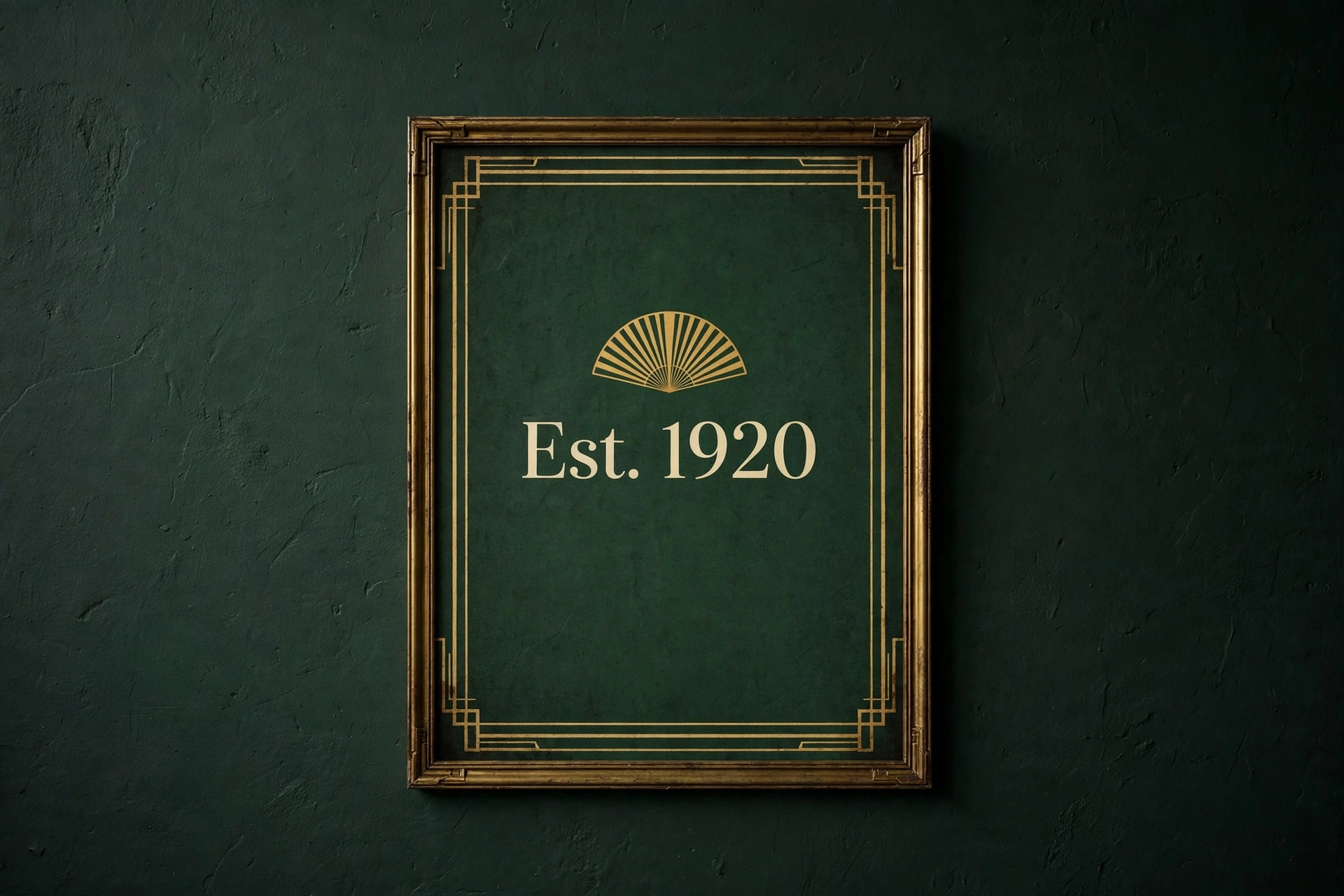
A thin gold frame is what makes a design look 1920s instead of just dark. Add a rectangle shape, set its fill to transparent, its stroke to gold (#C9A227) and its width to 6–8 px. Place it a little inside the edges so it works like a picture frame.
For an Art Deco touch, add a fan or sunburst shape at the top center. PixelLab’s shape library has triangles and arcs — stack three thin triangles in a fan and color them gold. Keep it small; the frame should whisper, not shout.
Step 3 — Add your text
Vintage bathroom art usually has very little text — one short line is enough:
- “Soak. Steam. Repeat.”
- “Wash Your Worries Away”
- “Est. 1920”
Pick a serif font — thin, elegant letters read as 1920s; heavy bold letters read as modern. Use the fonts guide if you need more: our guide to adding custom fonts in PixelLab shows how to install any font you download. Set the text color to cream (#F5EFE0) or gold, center it, and leave plenty of empty space around it. Empty space is what makes a poster look expensive.
Want the text to pop off the wall? Our 3D text tutorial shows the layer-stack trick — a subtle shadow under cream letters looks genuinely vintage.
Step 4 — Add a pattern, not a photo
Photos make wall art look like a photograph. Patterns make it look like design. Three patterns that work for a moody vintage bathroom:
- Checkerboard: small black-and-white squares along the bottom edge, like a 1920s floor.
- Penny tile dots: rows of small cream circles on the dark background.
- Botanical line art: one thin gold leaf or branch, drawn with simple shapes.
Pick one pattern only. Two patterns fight each other; one pattern looks intentional.
Step 5 — Export it right
Export as PNG for printing (best quality) or JPG for sharing online. If the file is too big for Pinterest or a print upload, run it through our free Image Compressor to hit an exact KB target, or the Image Resizer if you need exact pixels. Both tools run in your browser — the image never uploads anywhere.
3 designs to try first
- The 1920s quote poster — dark green background, gold frame, “Est. 1920” in cream serif. Five minutes, always looks right.
- The checkerboard border print — navy background, black-and-white checker strip at the bottom, one gold fan at the top. No text at all.
- The botanical line print — charcoal background, one gold branch, tiny cream text underneath. The most “moody” of the three.
FAQ
What size should bathroom wall art be?
A4 (2480 x 3508 px) fits most frames. For a big statement piece, design at 3300 x 5100 px (roughly A3 at 300 DPI).
Will paper art survive in a bathroom?
Frame it behind glass and hang it away from direct shower steam. Laminated prints last longest in humid bathrooms.
Can I sell these designs?
Your own original designs, yes. Never copy someone else’s Pinterest pin or artwork — make your own version, in your own colors and words.
Which PixelLab font looks most 1920s?
Thin serif fonts with high contrast between thick and thin strokes. Test two or three — the right one is obvious the moment you see it on the dark background.
The bottom line
Moody vintage bathroom style is just three things: a dark color, warm gold, and one 1920s detail. Get those right in PixelLab and the poster designs itself. Start with the 1920s quote poster tonight — it takes five minutes, and it is the fastest way to see if the style fits your bathroom.
Related: How to Create 3D Text in PixelLab (7 Easy Steps) · Free Image Tools — Compressor, Resizer & Background Remover