
PixelLab vs Canva — Which is Better for Mobile in 2026?
PixelLab vs Canva — Which is Better for Mobile in 2026? free mobile design apps, but they serve different purposes. PixelLab is better for text effects, 3D design, and YouTube thumbnails. Canva is better for social media graphics, presentations, and template-based design. The best choice depends on what you are creating.
Why This Comparison Matters
If you create content on your phone — whether for YouTube, Instagram, a blog, or a small business — you have probably heard of both PixelLab and Canva. Both are free. Both are popular. But they are very different tools designed for different types of work.
Choosing the wrong app can slow you down and limit your results. This honest comparison will help you decide exactly which one is right for your needs — or whether you should use both.
Quick Comparison Table
| Feature | PixelLab | Canva |
|---|---|---|
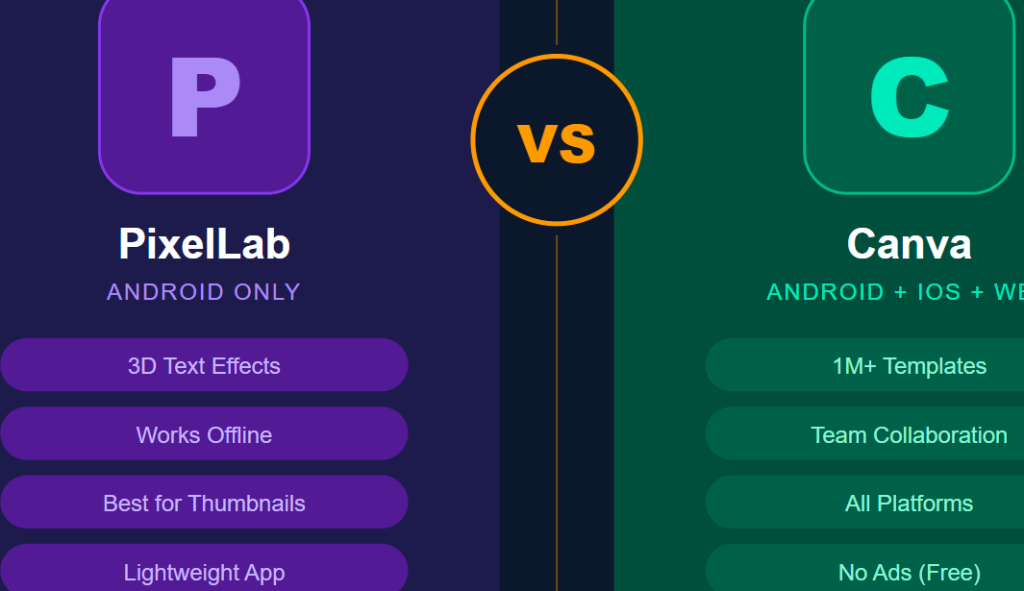
| Best For | Text design, thumbnails, 3D effects | Social media graphics, templates |
| Free Version Quality | Very good | Excellent |
| Templates | Limited | 1 million+ |
| 3D Text Effects | Yes | No |
| Works Offline | Yes | No |
| Watermark (Free) | No | No |
| Internet Required | No | Yes |
| Learning Curve | Easy | Very Easy |
| File Export | JPG, PNG | JPG, PNG, PDF |
| Ads in Free Version | Yes | No |
| Available On | Android only | Android and iOS |
About PixelLab
Developer: Imagin Studio
Platform: Android only
Rating: 4.3/5 on Google Play
Downloads: 50 million+
PixelLab started as a simple text-on-photo app and has grown into a powerful mobile design tool. It is especially popular among YouTube creators, social media designers, and graphic design beginners across South Asia, Africa, and the Middle East.
Its biggest strength is text and typography. No other free mobile app comes close to PixelLab when it comes to adding creative, professional-looking text to images.
About Canva
Developer: Canva Pty Ltd
Platform: Android and iOS
Rating: 4.5/5 on Google Play
Downloads: 500 million+
Canva began as a web-based design tool and expanded to mobile. It is now one of the most widely used design platforms in the world, trusted by businesses, educators, marketers, and content creators globally.
Its biggest strength is its massive library of ready-made templates. You can open Canva, pick a template, swap your text and photo, and have a professional design ready in under two minutes.
Head-to-Head Comparison
1. Ease of Use
PixelLab has a simple interface that most users can figure out within minutes. The tools are laid out clearly, and the learning curve is very gentle. Even someone who has never edited a graphic before can start creating within the first session.
Canva is even easier for complete beginners because of its drag-and-drop interface and pre-made templates. You do not need to make any creative decisions if you do not want to — just pick a template and fill in your details.
Winner: Canva — templates make it faster for total beginners, though PixelLab is close behind.
2. Text and Typography
This is where PixelLab truly shines. It offers:
- Hundreds of free fonts are built into the app
- 3D text with depth, shadow, and glow effects
- Text curves and circular arrangements
- Gradient color fills on text
- Outline and stroke options
- Letter spacing and line height controls
Canva also has good text tools and a solid font library, but its text effects are basic compared to PixelLab. You cannot create 3D text in Canva mobile without a Canva Pro subscription.
Winner: PixelLab — by a large margin for text and typography.
3. Templates
Canva has over one million free templates covering every possible use case — Instagram posts, YouTube thumbnails, Facebook covers, business cards, flyers, presentations, menus, and much more. New templates are added every week.
PixelLab has a much smaller template library, and it is not its main focus. Most PixelLab users start from a blank canvas and build their design from scratch.
Winner: Canva — there is simply no comparison here.
4. Photo Editing Tools
Neither app is primarily a photo editor, but both offer basic adjustments.
PixelLab lets you adjust brightness, contrast, saturation, and blur. It also has a background remover tool that works reasonably well for basic subjects.
Canva offers similar basic adjustments plus some filters and an AI background remover. The results are comparable between the two apps for simple edits.
Winner: Tie — both are decent for basic photo adjustments, but neither replaces a dedicated photo editor like Snapseed.
5. Working Offline
This is an important practical difference.
PixelLab works completely offline. You can design, edit, and export without any internet connection. This makes it extremely useful in areas with poor connectivity or when you want to save mobile data.
Canva requires an internet connection for almost everything — loading templates, accessing fonts, saving your work, and exporting files. Without internet, Canva is essentially unusable.
Winner: PixelLab — a clear advantage for users with limited or unreliable internet access.
6. Free Version Value
Both apps offer generous free versions, but with different limitations.
PixelLab free version includes:
- All core design tools
- Hundreds of fonts
- 3D text effects
- No watermark on exports
- Ads displayed during use
Canva free version includes:
- Over 1 million templates
- Thousands of free photos and elements
- No watermark on exports
- No ads
- Cloud storage for your designs
Winner: Canva — the free version is more polished with no ads and more resources.
7. Performance on Low-End Phones
PixelLab is a lightweight app — around 28MB — and runs smoothly even on older or budget Android phones with limited RAM. It rarely crashes and responds quickly to touch inputs.
Canva is a heavier app and relies on cloud loading for templates and assets. On slower phones or weak internet connections, it can feel sluggish and take time to load elements.
Winner: PixelLab — much better performance on budget Android devices.
8. Collaboration and Sharing
Canva allows you to share designs with team members, collaborate in real time, and access your designs from any device — phone, tablet, or computer. This makes it ideal for teams and businesses.
PixelLab is a solo tool. There is no collaboration feature, no cloud storage, and no way to access your designs from another device.
Winner: Canva — essential advantage for teams and businesses.
9. Export Options
PixelLab exports in JPG and PNG formats. Simple.
Canva exports in JPG, PNG, PDF, and several other formats. The PDF export is particularly useful for printing flyers, menus, and business documents.
Winner: Canva — more export options for different use cases.
10. Platform Availability
PixelLab is available on Android only. There is no iOS version and no web version.
Canva is available on Android, iOS, and as a full web application at canva.com. Your designs sync across all devices automatically.
Winner: Canva — available everywhere.
Real-World Use Cases
Use PixelLab When You Need To:
- Create a YouTube thumbnail with bold 3D text
- Add a stylish title or quote to a photo
- Design a logo or watermark for your content
- Work without internet access
- Edit quickly on a budget Android phone
Use Canva When You Need To:
- Create an Instagram post or story quickly using a template
- Design a business flyer or menu
- Make a presentation or pitch deck
- Collaborate with a partner or client on a design
- Create content across multiple platforms and devices
Can You Use Both Together?
Absolutely — and many experienced creators do exactly this.
A common workflow used by professional content creators:
- Edit the photo in Snapseed (for color and quality)
- Add text and 3D effects in PixelLab (for creative typography)
- Resize and format in Canva (to fit the right dimensions for each platform)
Using all three apps together gives you more creative power than any single app alone — and all three are free.
PixelLab vs Canva — Final Verdict
There is no single winner because these apps are built for different jobs.
Choose PixelLab if:
- You create YouTube thumbnails regularly
- You want advanced text and 3D effects
- You need to work offline
- You use a budget Android phone
- You prefer building designs from scratch
Choose Canva if:
- You create social media graphics frequently
- You want ready-made templates to save time
- You work in a team or with clients
- You use both Android and iPhone or a computer
- You want a polished, ad-free experience
Our recommendation: Download both. They are both free, they take up minimal storage, and together they cover every design need you will have as a content creator or small business owner.
Frequently Asked Questions
Is PixelLab better than Canva for YouTube thumbnails? Yes. PixelLab’s 3D text effects, custom fonts, and flexible text tools make it the stronger choice specifically for YouTube thumbnail design. Canva has thumbnail templates but lacks the advanced text effects PixelLab offers for free.
Can I use Canva for free without a watermark? Yes. Canva’s free version allows you to download your designs without any watermark. Only certain premium elements require a Canva Pro subscription.
Does PixelLab work on iPhone? No. PixelLab is currently available only on Android devices. iPhone users should use Canva or Over (now called GoDaddy Studio) as alternatives.
Which app is better for a small business owner? Canva is generally better for small businesses because of its template library, PDF export for printing, and collaboration features. However, if you need to create custom logo text or branded graphics, PixelLab is a useful addition.
Is PixelLab safe to download? Yes — download PixelLab only from the official Google Play Store. The official version is completely safe. Avoid downloading modified or cracked versions of the app from third-party websites, as these can contain malware.
Conclusion
PixelLab and Canva are both outstanding free tools that millions of people use every day to create professional designs on their phones. Rather than competing, they actually complement each other perfectly.
PixelLab wins on text effects, offline use, and performance. Canva wins on templates, collaboration, and platform availability. Together, they give you a complete mobile design studio — completely free.