
How to Make Neon Glow Text in PixelLab (Step-by-Step Guide 2026)
Neon glow text is everywhere — gaming thumbnails, music covers, Instagram quotes, stream overlays. That bright, buzzing sign look grabs attention instantly, and you don’t need Photoshop to make it. PixelLab can create a convincing neon glow effect with just its built-in shadow tools.
In this guide, you’ll learn the exact steps to make neon glow text in PixelLab, plus a layer trick for an extra-intense glow and the color combos that look best.
What Makes Text Look “Neon”?
Name
How to Make Neon Glow Text in PixelLab (Step-by-Step Guide 2026)
Date
Catagory
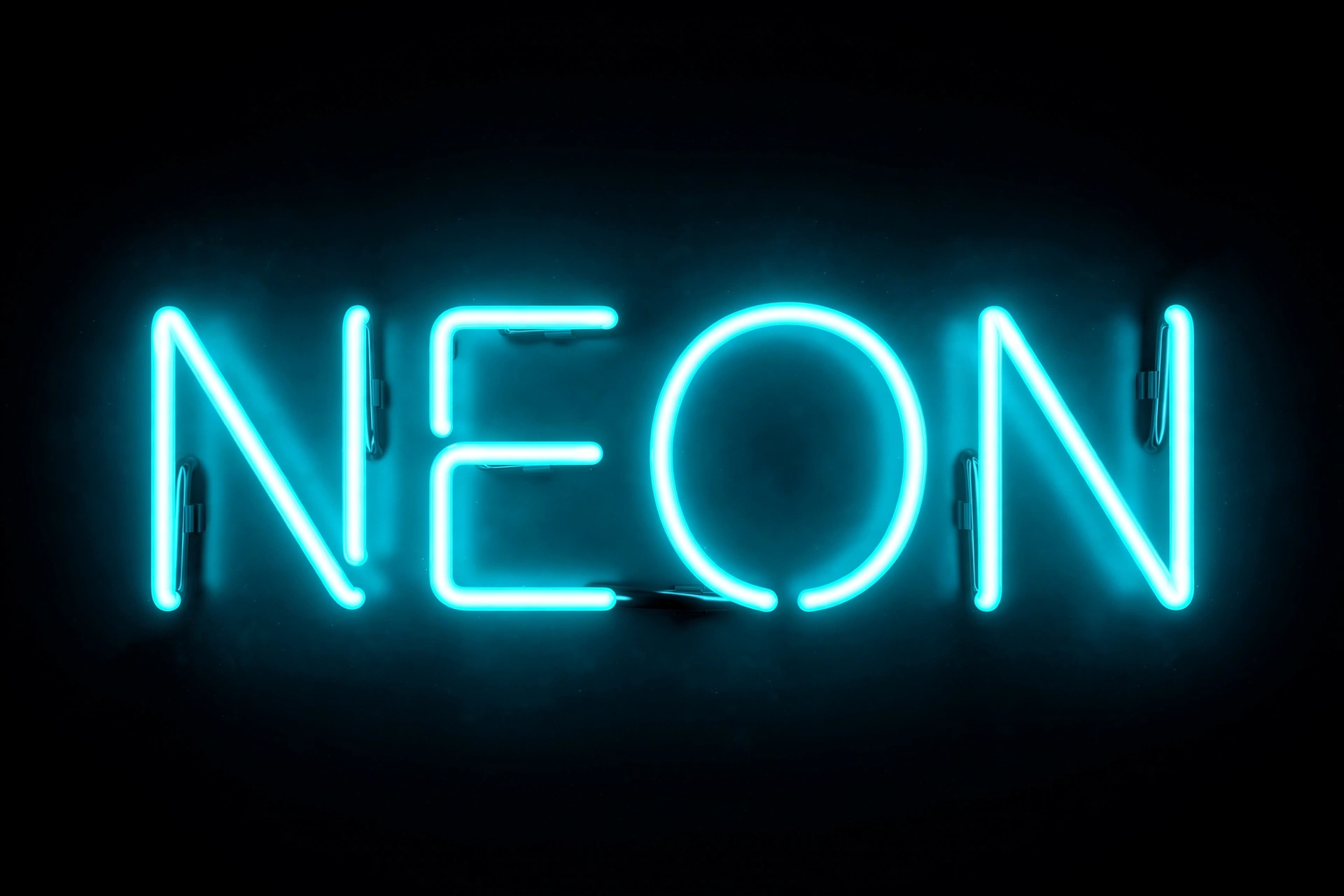
Real neon signs have three visual traits: a bright core, a soft colored halo around it, and a dark background that makes the light pop. We’ll recreate all three in PixelLab:
- Bright text color — white or a vivid neon shade as the core
- Colored glow — a blurred shadow in the same color family spreading outward
- Dark background — black or deep navy so the glow stands out
Get these three right and the effect sells itself.
Before You Start: Set Up Your Canvas
Neon glow needs darkness to shine. If your canvas background is white or busy, the glow will be invisible.
- Tap the background and set it to solid black (or a very dark color like #0a0a1a).
- If you’re designing over a photo, darken it first or place your text over the darkest area.
Method 1: The Shadow-Glow Technique (Recommended)
PixelLab doesn’t have a button labeled “glow” — the effect comes from its Shadow setting pushed to the extreme. Here’s how:
Step 1: Tap + → Text, type your words, and tap OK. Choose a bold, rounded font — thick letters hold a glow much better than thin ones.
Step 2: Set the text fill color to white (or your chosen neon color — more on colors below).
Step 3: With the text selected, tap the “A” (text edit) icon in the bottom toolbar and find Shadow. Turn it on.
Step 4: Set the shadow color to your neon color — for example, bright cyan (#00FFFF), hot pink (#FF007F), or lime green (#00FF00).
Step 5: Increase the blur radius slider. This is the key move: low blur gives a hard shadow, high blur spreads it into a soft glowing halo. Push it up until you see a smooth glow bleeding outward from the letters.
Step 6: Set the shadow offset to zero (no X/Y shift) so the glow sits evenly around the text instead of dropping to one side.
Step 7: Adjust opacity to taste — around 70–100% gives a strong neon feel.
Tap the checkmark. You now have glowing neon text.
Method 2: The Double-Layer Trick (Extra-Intense Glow)
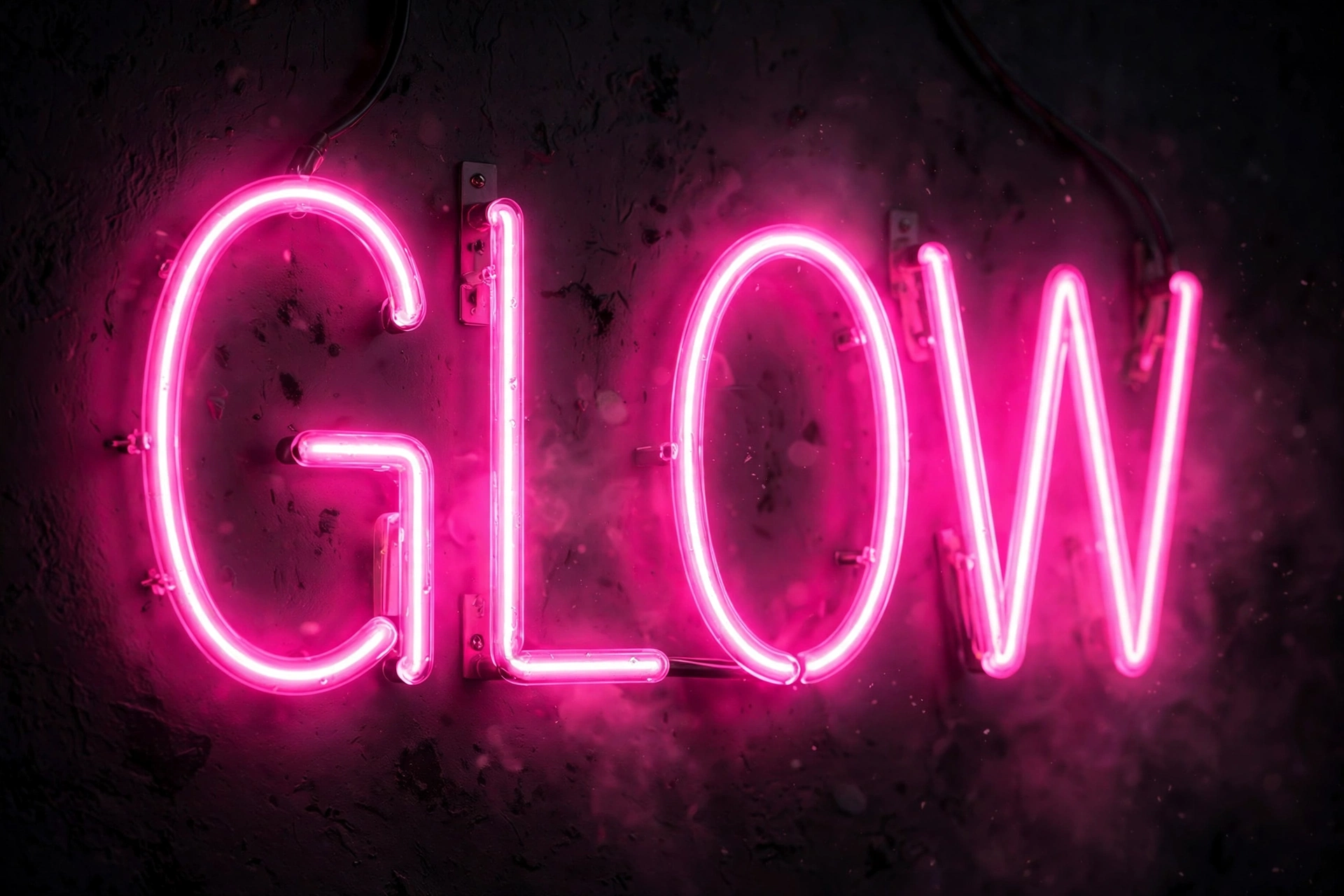
Want the glow to look even richer, like a real buzzing sign? Stack two glow layers:
Step 1: Create your neon text using Method 1.
Step 2: Open the layers panel (top-right), long-press the text layer, and Duplicate it.
Step 3: Select the bottom copy. In its Shadow settings, push the blur radius even higher than the top layer and keep the same neon color. This creates a wide, soft outer halo.
Step 4: Select the top copy and use a tighter, brighter shadow (less blur, full opacity). This keeps the core crisp while the bottom layer supplies the ambient glow.
The combination — sharp bright core + wide soft halo — looks remarkably like a real neon tube.
Method 3: Neon Outline Text
A popular variation: hollow letters with glowing edges.
Step 1: Add your text and set the fill color to transparent (checkered swatch in the color picker).
Step 2: Enable Stroke in the text settings, set a medium width, and pick your neon color.
Step 3: Enable Shadow with the same neon color, zero offset, and high blur.
The result is glowing neon tubing with nothing inside — perfect for that classic sign look.
Best Neon Color Combinations
Not all colors glow equally. These combos are proven winners on dark backgrounds:
- Cyan (#00FFFF) on black — the classic electric look, great for tech/gaming
- Hot pink (#FF007F) on black — bold, perfect for music and lifestyle content
- Lime green (#00FF00) on dark navy — high visibility, great for thumbnails
- Purple (#A855F7) + pink glow — text in one neon shade, glow in another for a gradient feel
- Warm orange (#FF6B00) on black — sunset/fire vibe
Avoid pale or pastel colors — they wash out. Neon needs saturation.
Pro Tips
Use bold, simple fonts. Thick sans-serif or rounded fonts (like Anton, Bebas Neue, or Montserrat ExtraBold) carry the glow best. Thin script fonts get lost in the halo. Our free fonts guide has thumbnail-ready options you can import.
Keep text short. Neon works best on 1–3 words. A glowing paragraph is just visual noise — save the effect for headlines and hooks.
Don’t overdo the blur. If the letters themselves start disappearing into the haze, pull the blur back. The text must stay readable first, glowy second.
Combine with 3D sparingly. Our 3D text tutorial shows depth effects — but heavy 3D plus heavy glow usually fights for attention. Pick one star effect per design.
Export in high resolution. Glow is a soft gradient effect — low-res exports turn it into banded mush. Export at the highest resolution PixelLab offers.
Common Mistakes
- Glow on a light background: Invisible. Neon demands darkness.
- Shadow offset left on: A shifted shadow reads as a drop shadow, not a glow. Zero it out.
- Too many colors: One glow color per design. Rainbow neon looks cheap.
- Glowing everything: If every element glows, nothing stands out. Make the headline glow; keep the rest clean.
Frequently Asked Questions
Does PixelLab have a neon text effect built in?
There’s no single “neon” button — the effect is made by combining a bright text color with a blurred, colored shadow (zero offset) on a dark background. It takes about two minutes.
What font is best for neon text in PixelLab?
Bold, rounded sans-serif fonts work best — they give the glow a clean shape to wrap around. Import heavy weights like Anton or Bebas Neue for maximum impact.
Why does my glow look like a regular shadow?
Two likely causes: the blur radius is too low, or the shadow still has an X/Y offset. Crank the blur up and set the offset to zero.
Can I animate neon text in PixelLab?
PixelLab is a still-image editor, so the glow won’t flicker on its own. For animated neon, export your design and add a flicker effect in a video editor like CapCut.
Final Words
Neon glow text is a two-minute skill with outsized payoff — bright core, blurred colored shadow, dark background, done. Master the basic shadow technique first, then try the double-layer trick when you want that extra buzz. Your thumbnails will never look flat again.